

AI in WordPress: Revolutionizing Website Building and Management in 2025
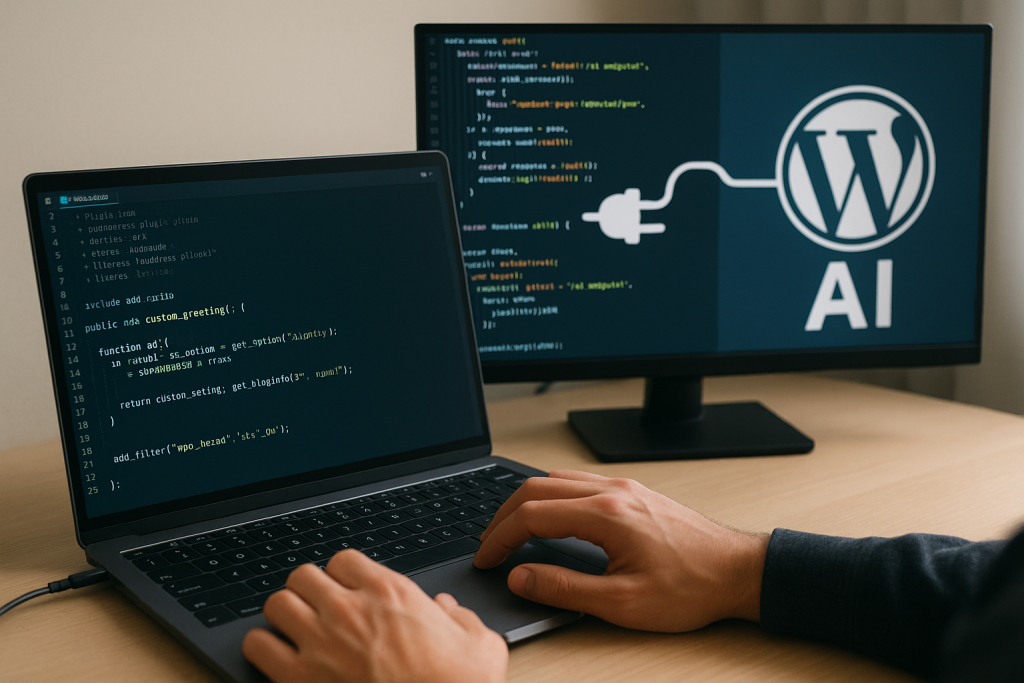
Artificial Intelligence (AI) is no longer a futuristic buzzword—it’s the backbone of modern web development. In 2025, WordPress, powering over 40% of the world’s websites, has fully embraced AI, transforming how we create, optimize, and maintain sites. From generating entire layouts in minutes to personalizing user experiences in real-time, AI tools are slashing development time by 40-60% while boosting conversions by up to 10%. As a webmaster at Universidad de Piura with hands-on experience deploying AI-enhanced plugins for educational and corporate sites, I’ve seen firsthand how these innovations make complex tasks effortless.
In this article, we’ll dive into the hottest AI trends for WordPress in 2025, top tools to integrate, and a step-by-step guide to get started. Whether you’re a freelancer building client sites or managing an e-commerce store, AI is your new superpower.
1. Key AI Trends Shaping WordPress in 2025
AI isn’t just automating rote tasks—it’s making websites smarter, more adaptive, and user-centric. Here are the standout trends dominating the ecosystem:
| Trend | Description | Impact on WordPress Sites |
|---|---|---|
| Content Automation & Personalization | AI generates tailored content based on user behavior, predicting preferences with 90%+ accuracy. | Boosts engagement; plugins like If-So deliver dynamic pages that change per visitor. |
| Voice & Visual Search Optimization | With 50% of searches now voice-based, AI adapts content for conversational queries and image recognition. | Improves SEO rankings; tools analyze trends via Google Analytics 4 integration. |
| Headless Architecture with AI | Decouples frontend from backend, using AI for real-time API-driven experiences. | Enables faster, scalable sites; ideal for mobile-first designs in 2025. |
| Predictive Analytics & Automation | AI forecasts traffic spikes and automates workflows, integrating with CRMs for seamless ops. | Reduces downtime by 30%; chatbots like Tidio see 34% adoption growth. |
| Generative Design & Code Assistance | AI builds layouts, writes CSS/PHP, and debugs code conversationally. | Speeds dev by 50%; no more Stack Overflow hunts. |
These trends aren’t hype—over 1,400 AI plugins now flood WordPress.org, with adoption surging after Automattic’s 2024 WPAI acquisition. The result? Sites that evolve with users, not just static pages.
2. Top AI Tools for WordPress in 2025
With so many options, focus on tools that fit your workflow. Here’s a curated list of the best, tested for ease and performance:
- Divi AI (Best for Design & Layouts) Integrated into the Divi Visual Builder, it generates full sites from prompts like “Create a modern e-learning homepage.” Costs $16–24/month on top of Divi; unlimited generations keep it scalable. Pro: Brand-consistent outputs. Con: Requires Divi theme.
- Hostinger AI Assistant (Best Free Content Creator) Free with Hostinger hosting; auto-installs during onboarding. Generates SEO-optimized posts, titles, and meta descriptions. Integrates Google Trends for real-time insights. Ideal for bloggers—I’ve used it to draft university announcements in seconds.
- Rank Math SEO with Content AI (Best for On-Page SEO) Free tier with 5 credits; Pro from $59/year unlocks unlimited. Analyzes keywords, suggests headings/links, and scores content live. Supports voice search optimization.
- Elementor AI (Best for Visual Builders) Generates HTML/CSS, pricing tables, and images via text prompts. 4.9/5 rating; starts at $49/year. Transforms manual design into conversational workflows.
- Tidio with Lyro AI (Best for Chatbots) Powers 100k+ sites; automates responses and personalizes support. 34% growth expected in 2025—perfect for e-commerce queries.
- Tabnine (Best for Developers) Privacy-first code assistant for VS Code/IDEs. Suggests WordPress-specific PHP/SQL fixes. Free basic; Pro $12/month.
- AI Engine (Best All-in-One Toolkit) Over 100k installs; handles content, translations, and e-commerce text. 4.8/5 stars—versatile for multilingual sites like those at UDEP.
Bonus: SeedProd tops AI website builders for drag-and-drop sites with AI wireframing—our team’s go-to for quick prototypes.
3. How to Integrate AI into Your WordPress Site: A Quick Guide
Ready to level up? Follow this 5-step rollout—I’ve deployed it on live projects with zero downtime.
Step 1: Audit & Prep (10 Minutes)
Install a baseline plugin like AI Engine. Run:
// In functions.php: Check PHP >=7.4
if (version_compare(PHP_VERSION, '7.4', '>=')) {
    // Enable AI hooks
add_action('wp_enqueue_scripts', 'load_ai_assets');
}
Step 2: Generate Content (Real-Time)
Use Hostinger AI or Rank Math: Enter focus keyword → Get outline with H1s, images, and 1,000-word draft. Tweak for voice: “Optimize for ‘best WordPress AI tools 2025’ spoken query.”
Step 3: Build & Personalize (Visual Mode)
In Elementor/Divi: Prompt “3-column pricing table for cybersecurity services.” Add If-So for dynamic elements: Show Peru-specific pricing based on IP.
Step 4: Optimize & Test
Leverage Surfer SEO for competitor analysis. Track with Google Analytics 4: Monitor bounce rates pre/post-AI (expect 20% drop).
Step 5: Secure & Scale
As a cybersecurity pro, always audit plugins for vulnerabilities. Use headless setup for high-traffic sites—AI handles API personalization without bloating the core.
Final Thoughts: AI Isn’t Optional—It’s Essential
In 2025, ignoring AI in WordPress means falling behind: Slower builds, stale content, and missed personalization wins. But with tools like Divi AI and Rank Math, even non-devs can create enterprise-grade sites that adapt and convert.
“AI clears the creative path—elevating output without replacing human insight.” — Insights from WordPress AI ecosystem trends
Start small: Pick one tool today and watch your workflow transform.
Need hands-on help integrating AI into your WordPress site? I’m available for freelance audits, custom plugin setups, and optimization—especially for secure, scalable Peruvian projects. Reach me at joselinkin@gmail.com or +51 991 974 415.
Let’s make your site AI-smart—together.
Jose Rodríguez is a Systems Engineer and Cybersecurity Specialist with over 10 years securing and optimizing WordPress networks in Peru. He holds a Master’s in Information Security from Universidad de La Rioja and serves as Webmaster at Universidad de Piura.